opsfork
ProductFeaturesComparePricingHelp
Sign inGet started free
Press & brand kit

Writing about Opsfork? Everything you need is here.

Logos, high-resolution product images, colours and ready-to-use descriptions. Use them freely in articles, reviews, videos and presentations about Opsfork.

Download the logoProduct images

About Opsfork

Websiteopsfork.com
What it isTime tracking + team hub (chat, meetings, calls)
PriceFree for the whole team
PlatformsWindows tracker (x64 & ARM) · Mac beta · web · phone (installable web app)
Current versionOpsfork 2.1 (November 2026)
Data locationEuropean Union (Ireland)
Press contactsupport@opsfork.com
One line

Opsfork is a free, privacy-first work platform for remote and hybrid teams: fair time tracking with screenshots, a live team overview, and a built-in hub for chats, files, meetings, tasks and calls.

Short (≈80 words)

Opsfork is a free work platform for remote and hybrid teams. A desktop tracker records exact minutes in 10-minute blocks with one random screenshot per block — no screen video and no keystroke logging — and managers see a live team overview. Alongside the hours, the Opsfork Hub gives teams channels, groups and direct messages, files and voice notes, a shared calendar with meetings and tasks, and built-in calls. Every feature is free for the whole team.

Long (≈150 words)

Opsfork is a free work platform for remote and hybrid teams. A desktop tracker records exact minutes in 10-minute blocks with one random screenshot per block — no screen video and no keystroke logging — and managers see a live team overview. Alongside the hours, the Opsfork Hub gives teams channels, groups and direct messages, files and voice notes, a shared calendar with meetings and tasks, and built-in calls. Every feature is free for the whole team. Members consent on first launch, see exactly what their manager sees, and can delete their own recent screenshots. Owners get projects and clients, CSV exports, a weekly summary email and a full offline download of their data. The tracker runs on Windows (with a Mac beta); everything else works in any browser and can be installed on phones with notifications. Data is stored in the European Union. Learn more at https://opsfork.com.

Logos
Opsfork logo — horizontal
Opsfork logo — horizontalFor light backgrounds · PNG, transparentDownload
Opsfork logo — horizontal, dark
Opsfork logo — horizontal, darkFor dark backgrounds · PNGDownload
Opsfork logo mark
Opsfork logo markSquare tile · SVG (scales to any size)Download
Opsfork logo mark
Opsfork logo markSquare tile · PNG 1024×1024, transparentDownload
Opsfork app icon
Opsfork app iconFull-bleed yellow · PNG 512×512Download
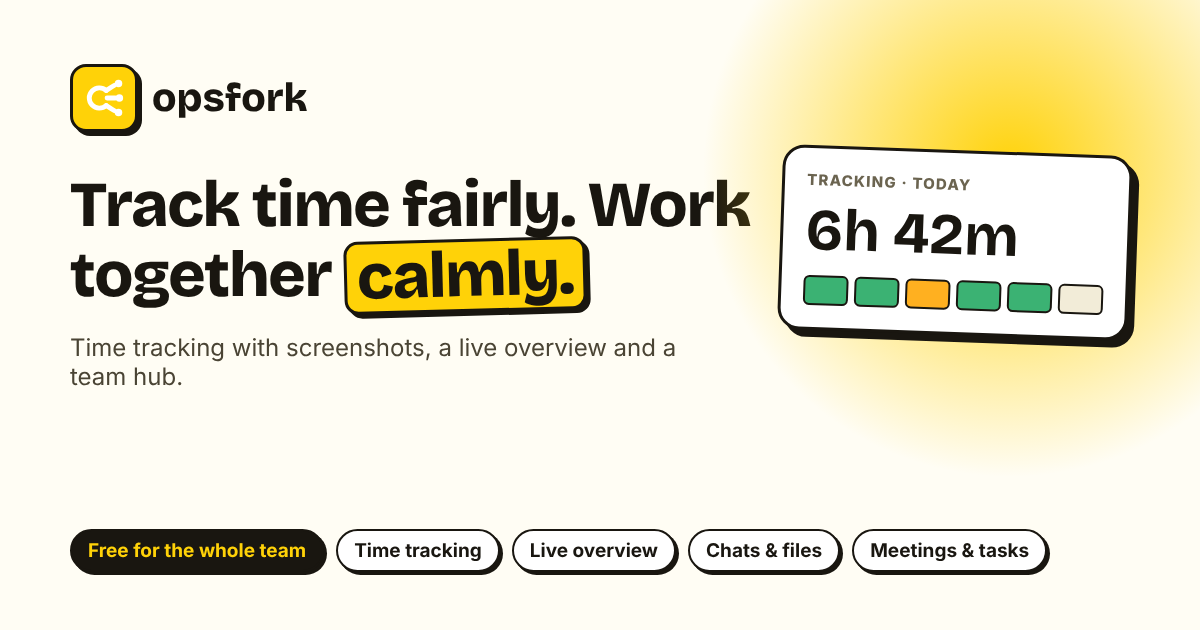
Opsfork social card
Opsfork social card1200×630 · for link previews and thumbnailsDownload

Product images

1600×1000 PNG. The people and companies shown are examples.
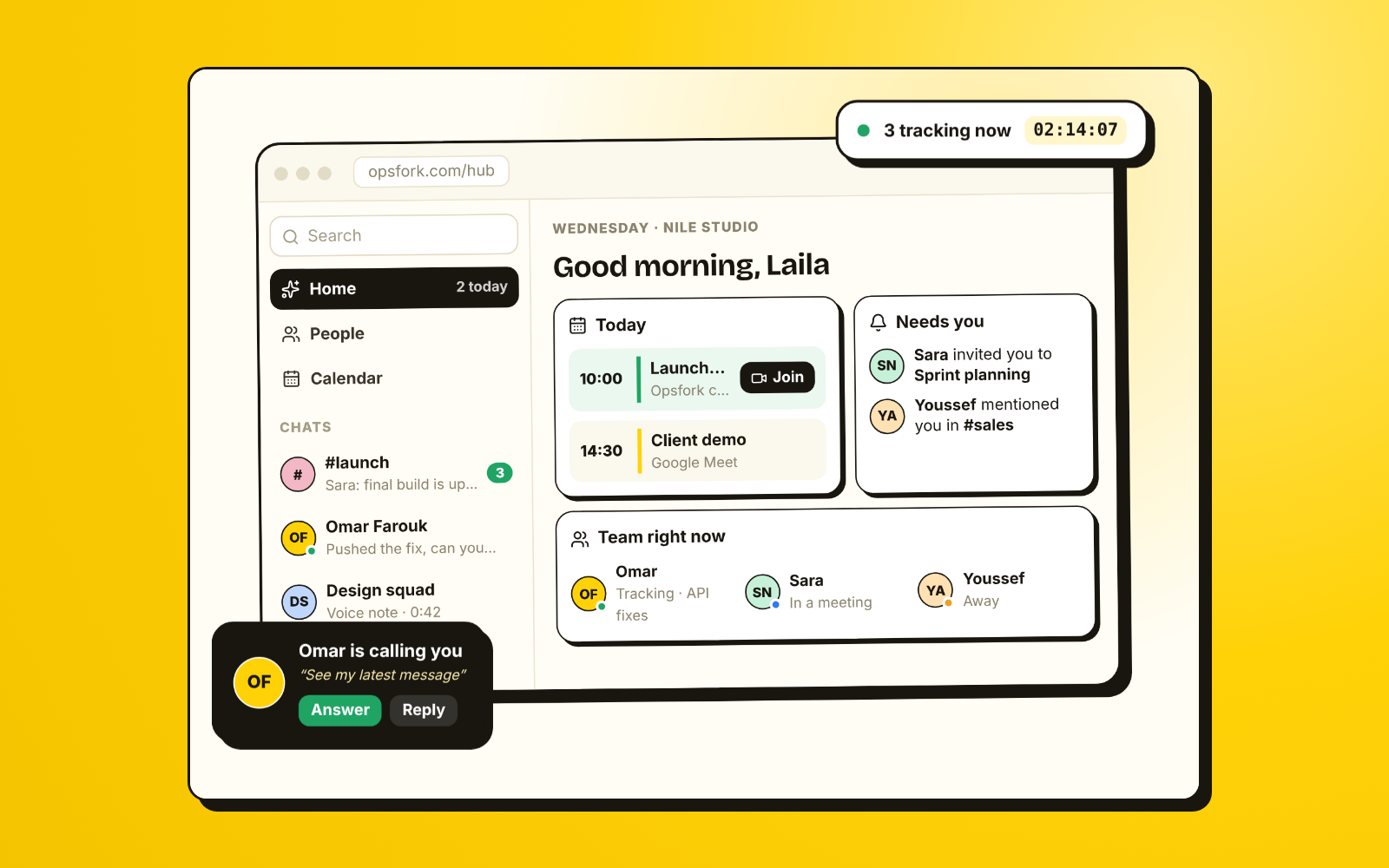
Opsfork Hub home screen: today's meetings, what needs you, who's working now and an incoming call
Opsfork Hub — HomeOpsfork Hub home screen: today's meetings, what needs you, who's working now and an incoming callDownload
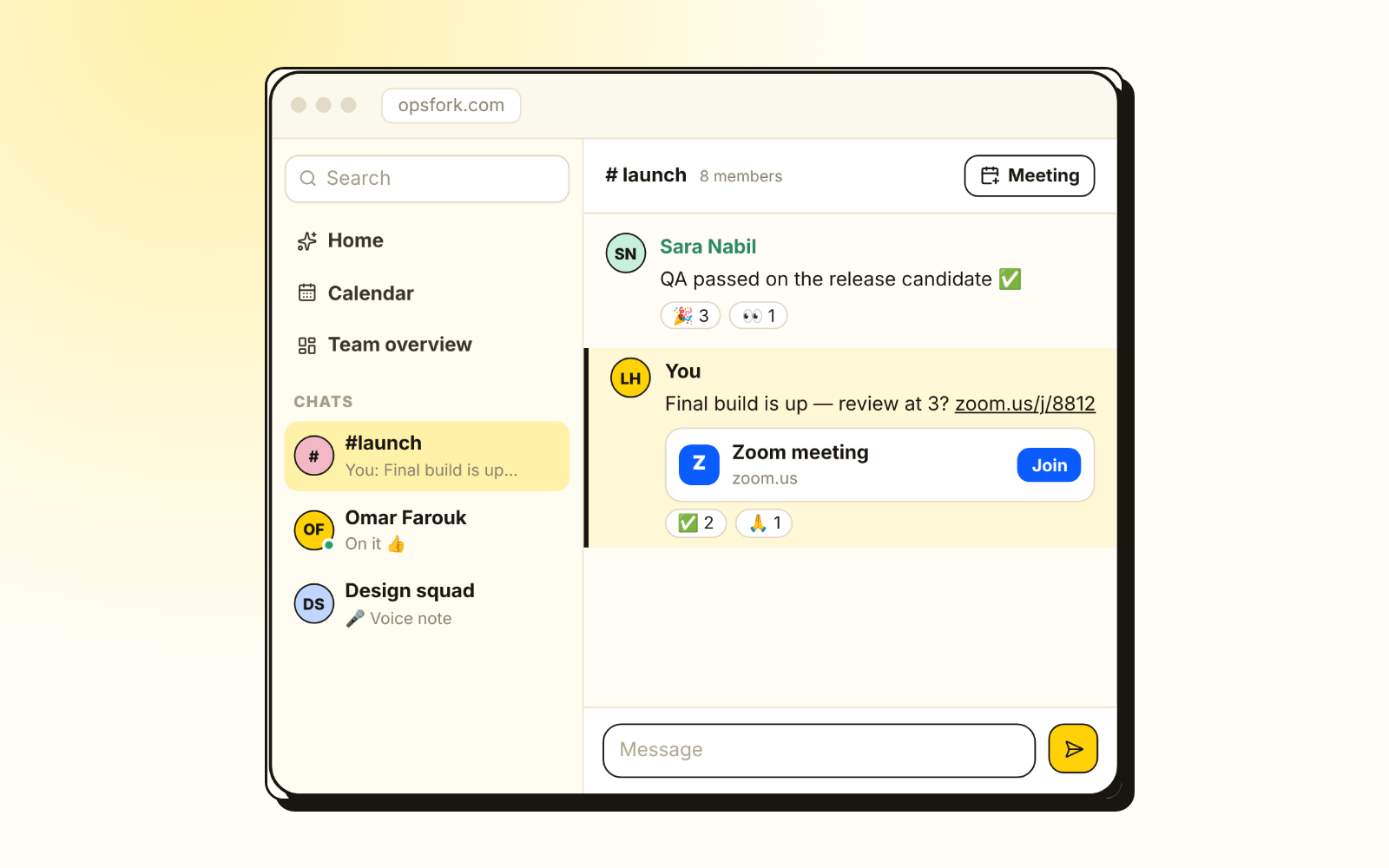
Opsfork team chat: a #launch channel with reactions and a Zoom link card with a Join button
Team chat with link cardsOpsfork team chat: a #launch channel with reactions and a Zoom link card with a Join buttonDownload
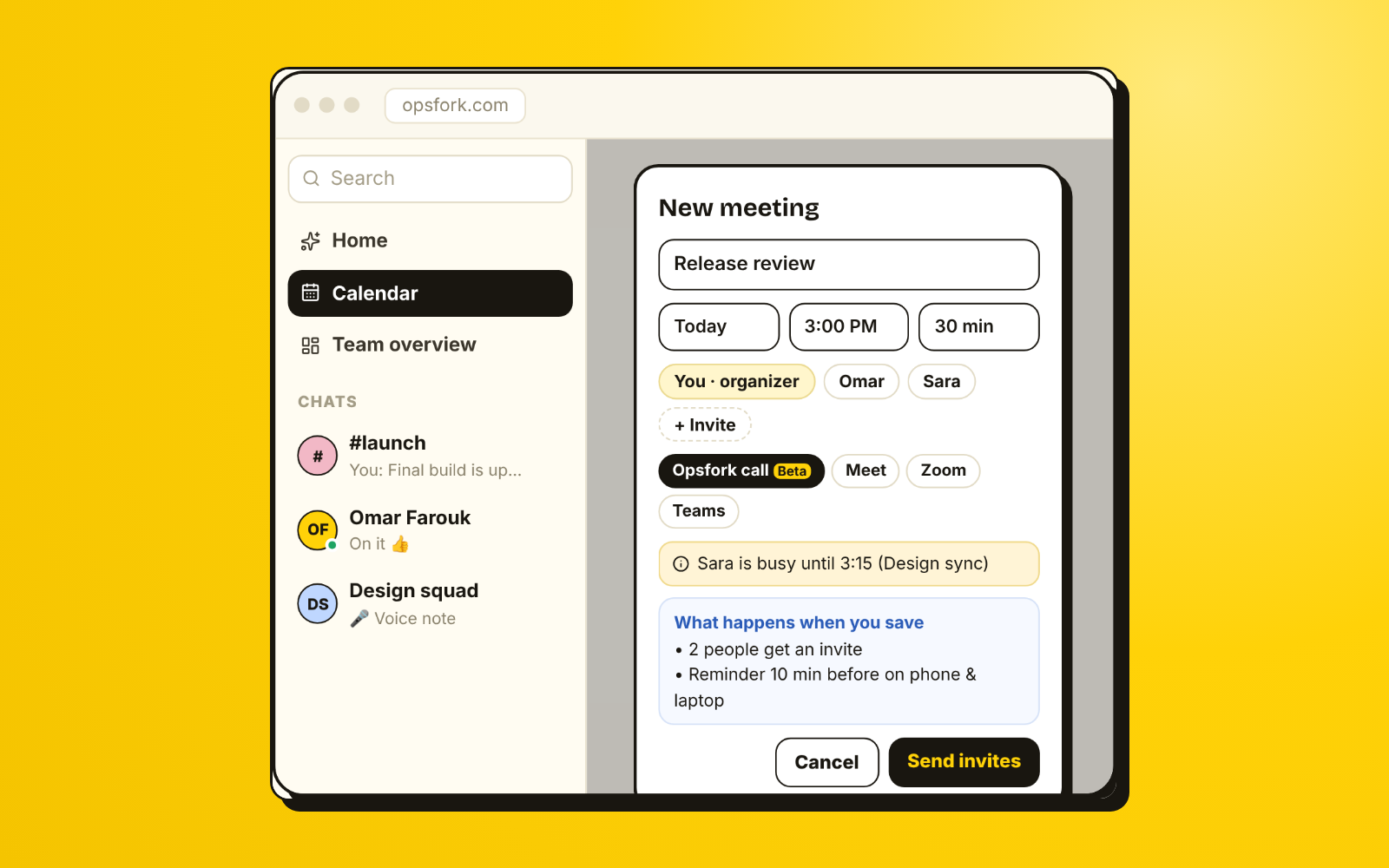
Opsfork new meeting form with invitees, Opsfork call, Meet, Zoom or Teams, and a clash warning
Scheduling a meetingOpsfork new meeting form with invitees, Opsfork call, Meet, Zoom or Teams, and a clash warningDownload
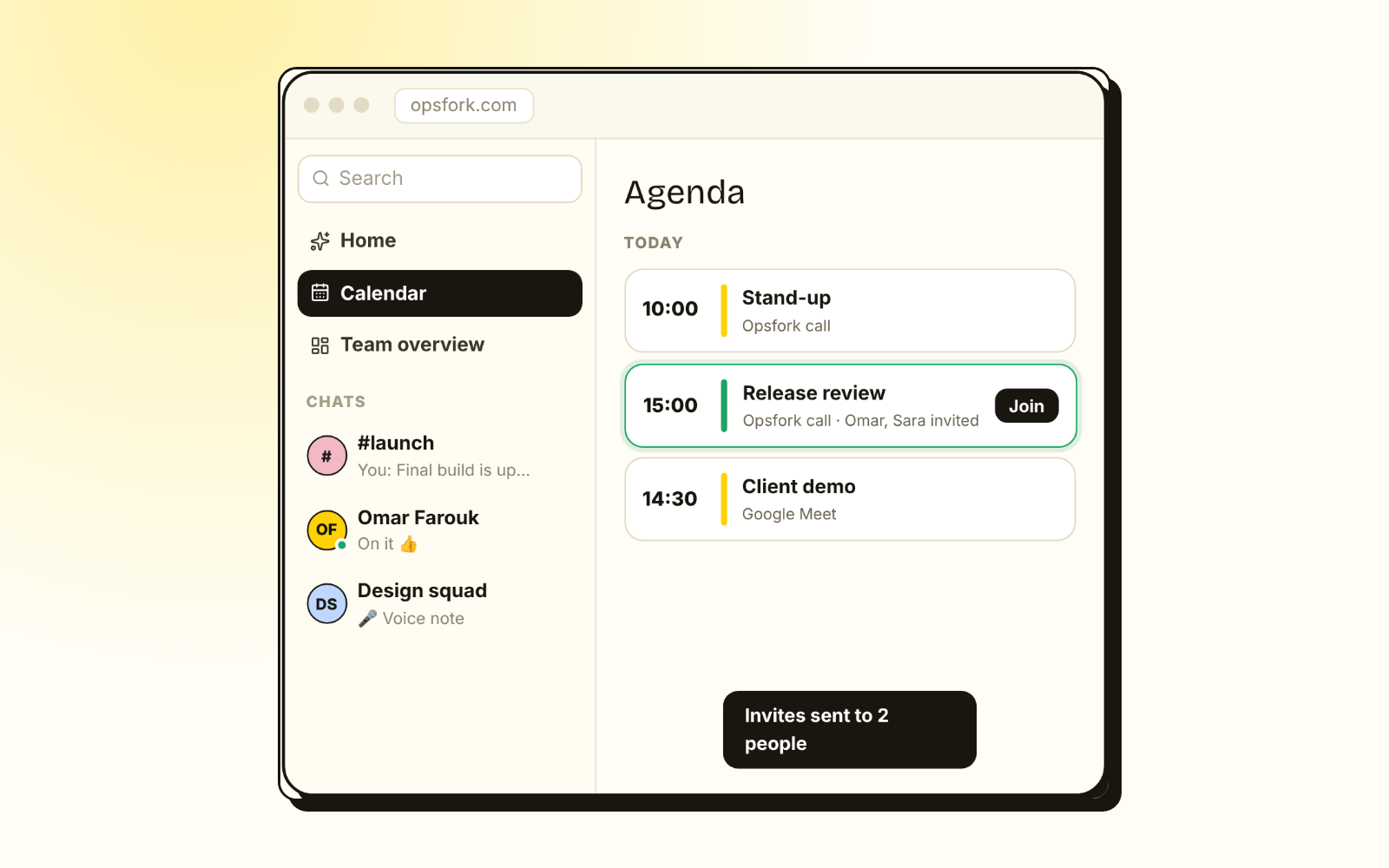
Opsfork calendar agenda view with today's stand-up, release review and client demo
Calendar — AgendaOpsfork calendar agenda view with today's stand-up, release review and client demoDownload
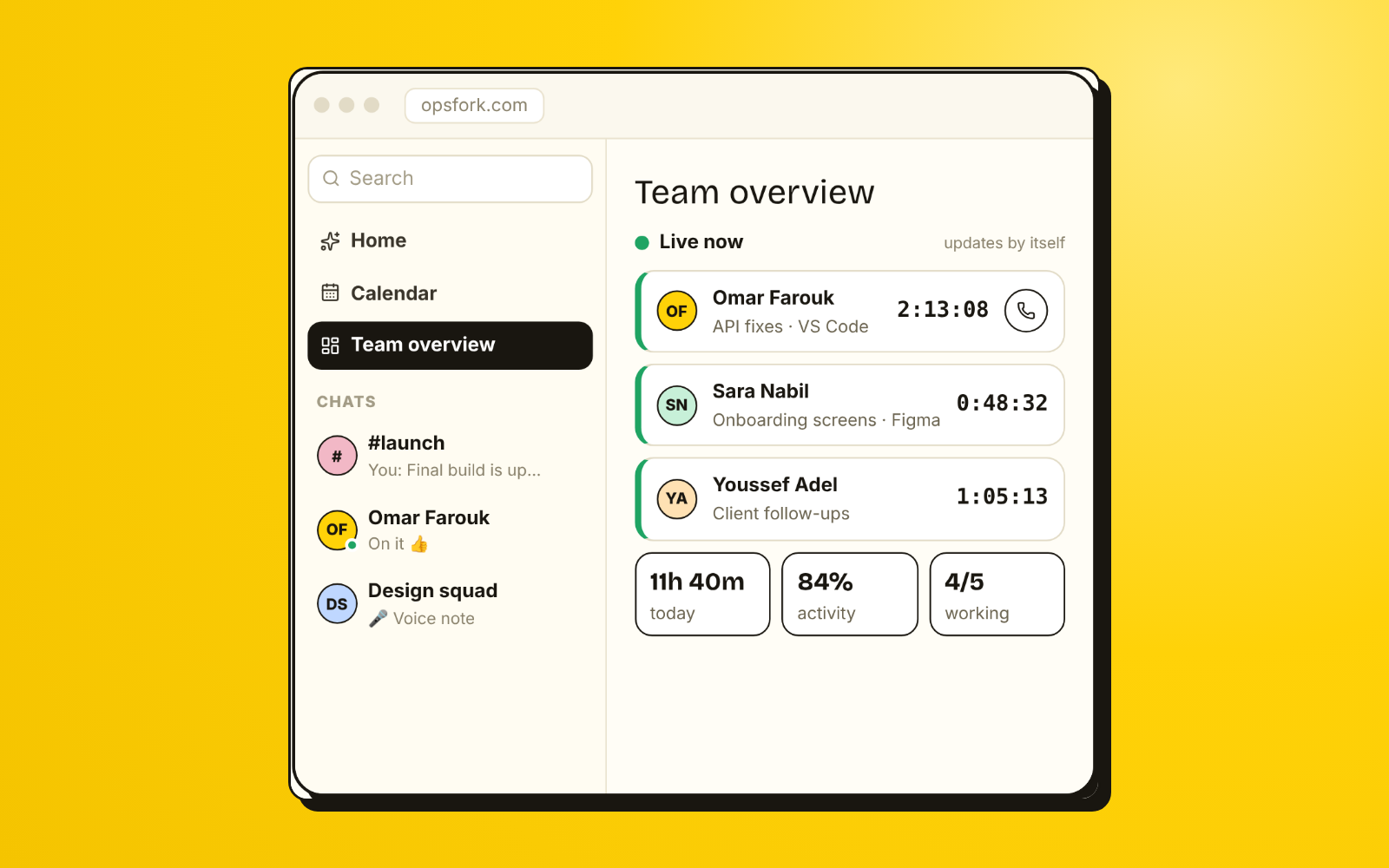
Opsfork live team overview with live timers, what each person is working on, hours and activity
Live team overviewOpsfork live team overview with live timers, what each person is working on, hours and activityDownload
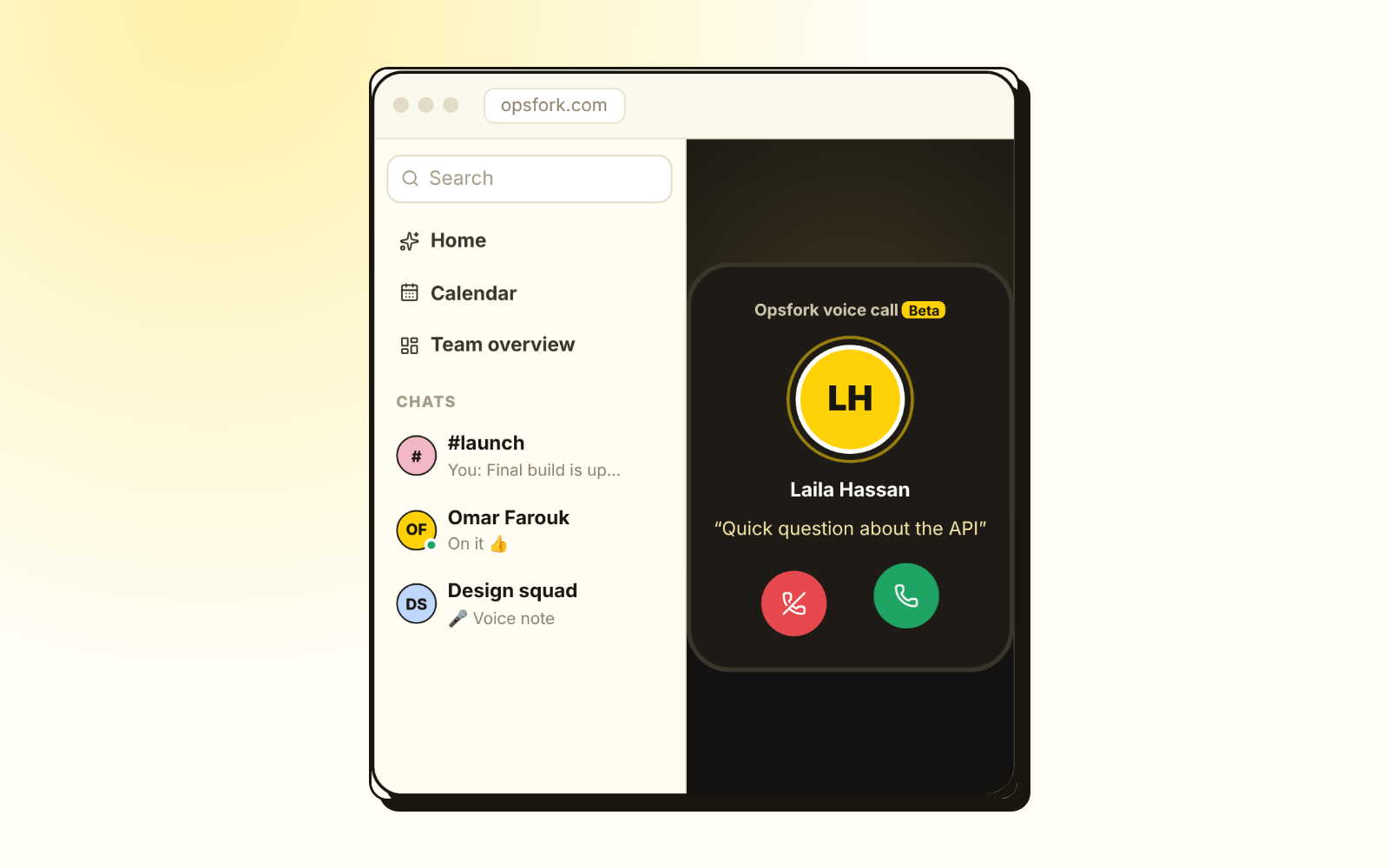
Opsfork voice call ringing with the caller's reason shown
Built-in calls (Beta)Opsfork voice call ringing with the caller's reason shownDownload
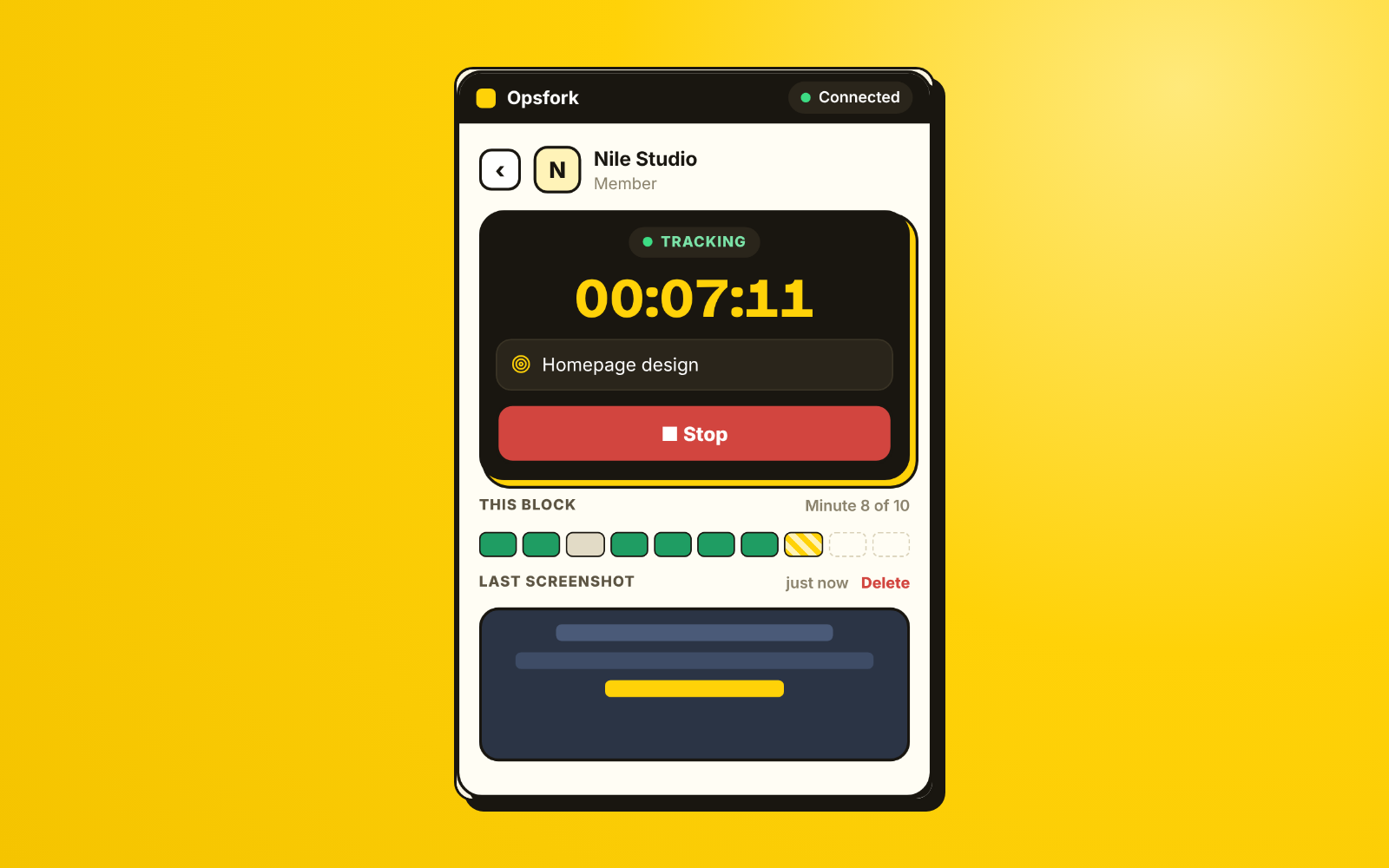
Opsfork desktop time tracker running: timer, focus, 10-minute block filling minute by minute and the last screenshot with Delete
Desktop trackerOpsfork desktop time tracker running: timer, focus, 10-minute block filling minute by minute and the last screenshot with DeleteDownload
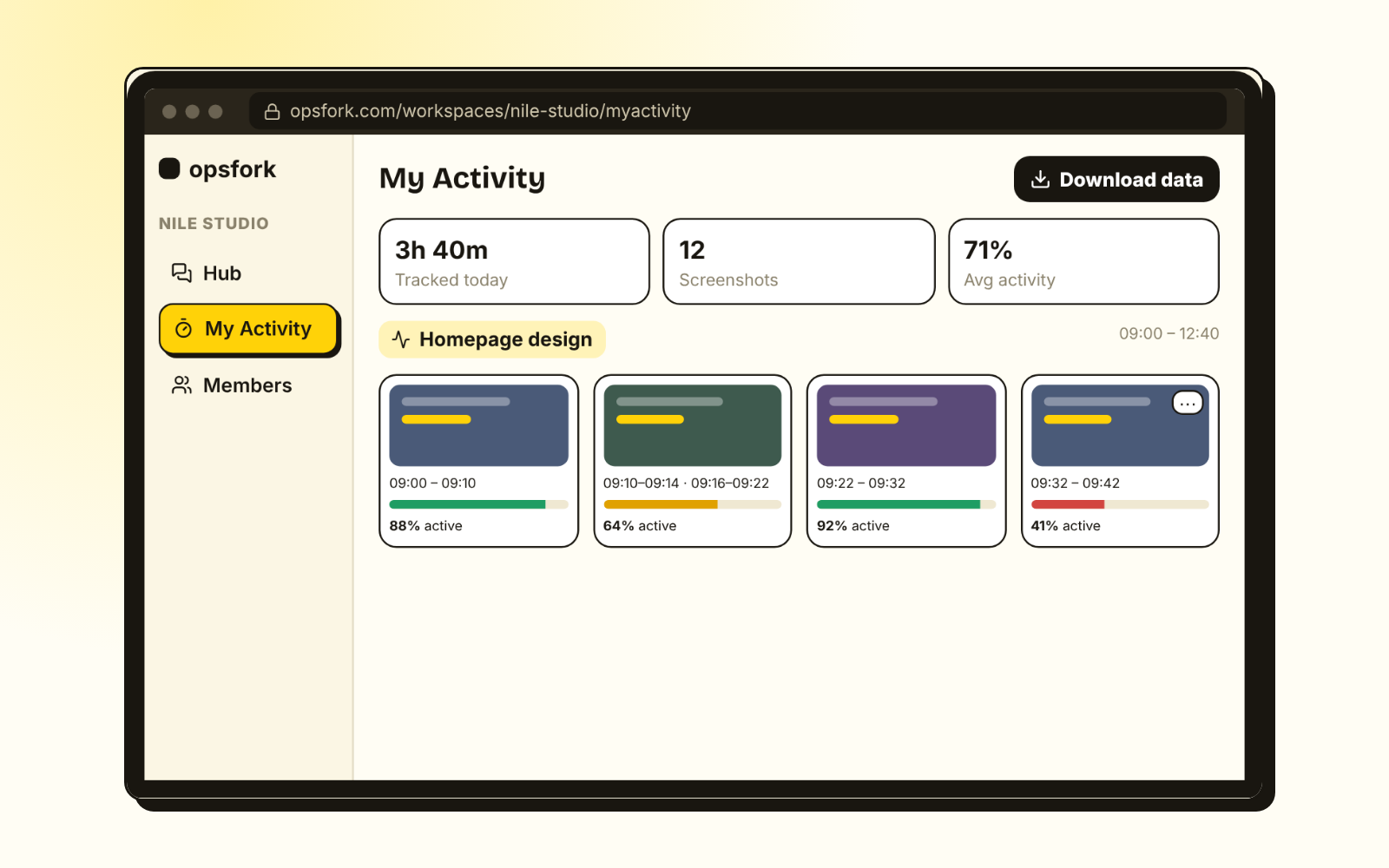
Opsfork My Activity page with tracked time, screenshots per 10-minute block and activity percentages
My ActivityOpsfork My Activity page with tracked time, screenshots per 10-minute block and activity percentagesDownload

Colours & type

Opsfork Yellow#FFD208
Ink#191610
Paper#FFFDF4

Headings: Bricolage Grotesque (ExtraBold). Text: Inter. Both are free Google Fonts.

Using the brand

  • The name is written Opsfork (capital O, one word). The logo wordmark is lowercase: opsfork.
  • Please don't stretch, recolour or redraw the logo, and leave some space around it.
  • Don't use the logo in a way that suggests Opsfork sponsors or endorses something it doesn't.
  • Need something else — a different size, a quote, or more details? Write to support@opsfork.com.

More about the product: all features · what's new · help center.

opsfork

Fair time tracking and one calm hub for your team.

ProductTourAll featuresPricingDesktop appWhat's new
Comparevs Hubstaffvs Time Doctorvs ClockifyWhy free
HelpHelp centerContactsupport@opsfork.com
CompanyPress & brand kitPrivacyTerms
AccountSign inCreate account
© 2026 Opsfork